

Every small apartment has the same problem: phones, earbuds, watches, and tablets all need power, but there is only one free outlet and a counter that is already doing three jobs. Cables snake across the kitchen counter, chargers pile up on the nightstand, and at least one device is always charging on the floor. These charging station ideas for small apartments fix that without drilling holes, buying furniture, or spending much money. Pick one spot for power, give every cable a home, and your counters stay clear.
Start by Picking One Charging Spot
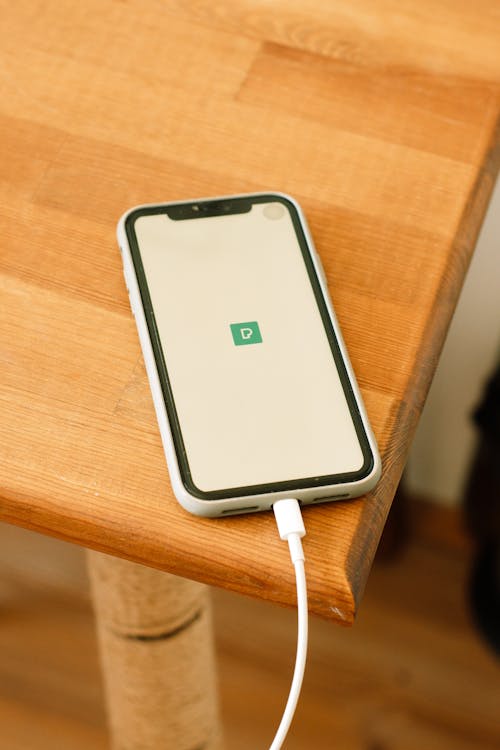
Before you buy anything, choose a single home for charging. Most small apartments only need one — the kitchen counter, the nightstand, or a shelf by the door. Every device charges there, and nowhere else. This one decision does most of the work: chargers stop migrating from room to room, and you always know where your phone is. Count your devices first (phones, watch, earbuds, tablet, laptop), then match the spot to the count.
Also check the outlet situation. If the spot has only one outlet, a small surge-protected power strip or a multi-port charger solves it in one move. Avoid daisy-chaining power strips — one strip, plugged straight into the wall, is the safe setup.
13 Charging Station Ideas for Small Apartments
1. The One-Tray Rule
Set a small tray, a shallow basket, or even a baking sheet on the counter and declare it the charging zone. Everything that charges lives on the tray; nothing else does. It costs nothing, it works in a rental, and it instantly makes a mess look intentional.
2. Turn a Drawer Into a Hidden Charging Drawer
If you have a drawer near an outlet, this is the cleanest trick in the book. Put a small power strip inside the drawer, run its cord out the back, and charge everything out of sight. Apartment Therapy shows how to turn a junk drawer into a hidden charging station — and if you are a renter, use a strip with adhesive backing instead of screws so everything comes out on move-out day. For more drawer ideas, see our junk drawer organization ideas.
3. Hide the Power Strip in a Cable Box
The power strip itself is half the mess. A cable management box — or a sturdy shoebox with holes cut in the back — swallows the strip, the adapters, and the extra cable length. Only the short ends of your device cables come out. Apartment Therapy's review of a cable management box with a built-in power strip shows how tidy this can look. Use a vented box, never a sealed one, so heat can escape.
4. Add a Bedside Charging Pocket
When the nightstand is barely big enough for a lamp, move charging off the surface entirely. An adhesive wall pocket, a stick-on shelf, or a small hanging organizer beside the bed holds your phone and watch overnight — no holes, no drilling. Our small nightstand organization ideas has more ways to free up that tiny surface.
5. Use an Over-the-Door Organizer as a Charging Pocket
A clear over-the-door shoe organizer is not just for shoes. Hang one on the inside of a closet or bedroom door, drop a power strip in the bottom pocket, and each upper pocket becomes a charging slot for a phone, earbuds, or tablet. See our over-the-door storage ideas for small apartments for more uses.
6. Swap Many Bricks for One Multi-Port Charger
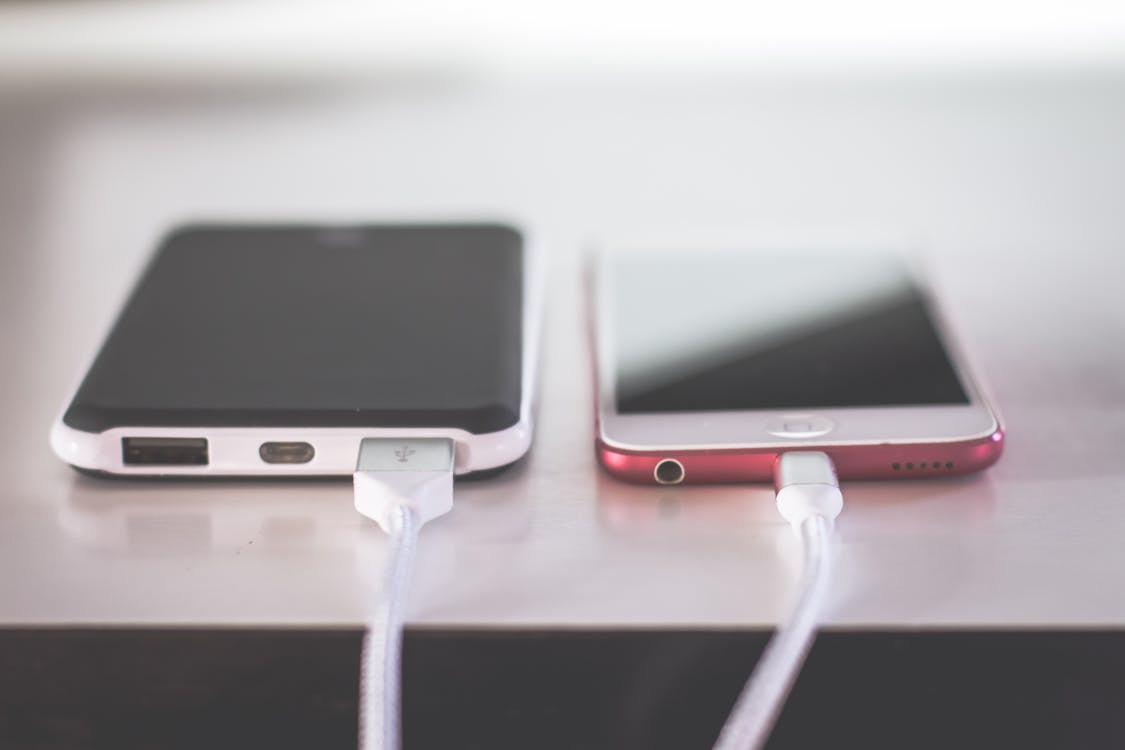
Five devices do not need five wall bricks. One multi-port USB charger replaces the whole pile, frees up outlets, and shrinks the cable tangle at the source. Match the wattage to your biggest device — a laptop needs far more power than a phone — and buy short cables (about 1 foot) so there is no slack to manage.
7. Put a Floating Shelf Right Above the Outlet
A small floating shelf or a stick-on shelf mounted just above an outlet turns dead wall space into a charging station. Devices sit on the shelf, cables drop straight down to the outlet, and nothing touches the counter at all. In a rental, use heavy-duty adhesive shelves rated for the weight.
8. Make the Entryway Console a Drop Zone
Phones die where they are dropped, and they are usually dropped by the door. Put a small basket or tray on your entryway console with a short cable ready, and charging becomes part of coming home — keys, wallet, phone, all in one place, all charged by morning.
9. Tame Desk Cables With Clips and an Under-Desk Tray
If you work from a small desk, adhesive cable clips along the back edge keep each cable in its lane, and a small basket under the desk holds the power strip off the floor. Your desktop stays clear, and cables stop falling behind the desk every time you unplug. Our cord and cable organization ideas cover the full setup, and our small home office organization ideas show how to fit it all in a tiny workspace.
10. Go Wireless on the Nightstand
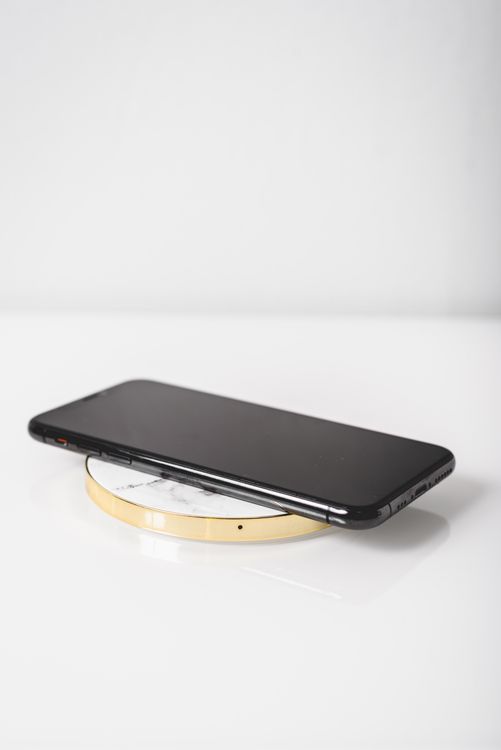
A single wireless charging pad replaces two or three cables on the nightstand, which matters when the whole surface is barely a foot wide. One pad for the phone, one small stand for the watch, and the nightstand is done. Wireless is slower than a cable, so keep a wired charger in the drawer for mornings you need a fast top-up.
11. Build a Charging Nook Inside a Kitchen Cabinet
If your kitchen counter is precious real estate, move charging inside a cabinet or onto a pantry shelf. A small strip inside the cabinet, with cables routed through a hole in the back, keeps phones charging out of sight and the counter clear for cooking. Just make sure the cabinet has airflow — never charge inside a tightly closed, unvented box.
12. Label Every Cable and Keep a Travel Set
Half the clutter is mystery cables. Spend ten minutes labeling each cable with a small tag or a strip of tape (phone, watch, earbuds, tablet), retire the ones that match nothing, and keep one spare set in a small pouch for travel. The drawer of tangled spares disappears, and you stop buying duplicates of cables you already own.
13. Do a 5-Minute Nightly Reset
Systems only work if they get used. Each night, take five minutes: plug every device into its spot, coil any loose cable, and clear the tray of anything that is not charging. A tiny reset, done daily, beats a big clean-up done monthly.
"Give power one fixed home, and the cables stop taking over every surface in the apartment."
A Quick Word on Charging Safety
Charging stations are safe when they are simple: one power strip per outlet, no daisy-chaining, vented boxes only, and nothing charging under a pillow or blanket — trapped heat is a real fire risk. Replace frayed cables instead of keeping them as spares, and unplug the strip when you leave for a long trip.
Frequently Asked Questions
Where is the best place for a charging station in a small apartment?
The kitchen counter or the nightstand works best for most people, because that is where devices naturally end up. Pick the spot closest to an outlet that you pass every day, and make it the only charging spot in the home.
How can I hide charging cables in a rental without drilling?
Use a cable management box for the power strip, adhesive cable clips along furniture edges, and short cables to cut slack. Stick-on shelves and over-the-door organizers add charging spots with no holes at all.
Is it safe to charge devices inside a drawer or box?
Yes, as long as air can move. Use a vented box or a drawer with a gap, never a sealed container, and keep the strip and adapters uncovered by fabric. If anything feels hot to the touch, unplug it and give it more airflow.
How many devices can one charging station handle?
Count what actually charges there each night, then add one spare port. A couple with two phones, two watches, and earbuds needs six ports — a three-port hub will feel cramped from day one, so size the hub to the real count, not the tidy photo.